History of requests in YouControl
History of requests in YouControl
Select the page search in the top right corner  , which will open the Search function. In the search box, type How YouControl log and follow the appropriate link. On the YouControl log page that opens, a list of all requests in the system to the YouСоntrol online service will be displayed. The list of requests is displayed in the form of a tabular part with Counterparty type, Counterparty Code and Counterparty Name columns, as well as Request Type to the YouMonitor online service and other information about requests. The list of requests can be filtered by fields.
For a detailed view of the information on the request, click on the corresponding request in the Request Type column. A page will open with more detailed information on the request. This page is individual for each request and has different fields.
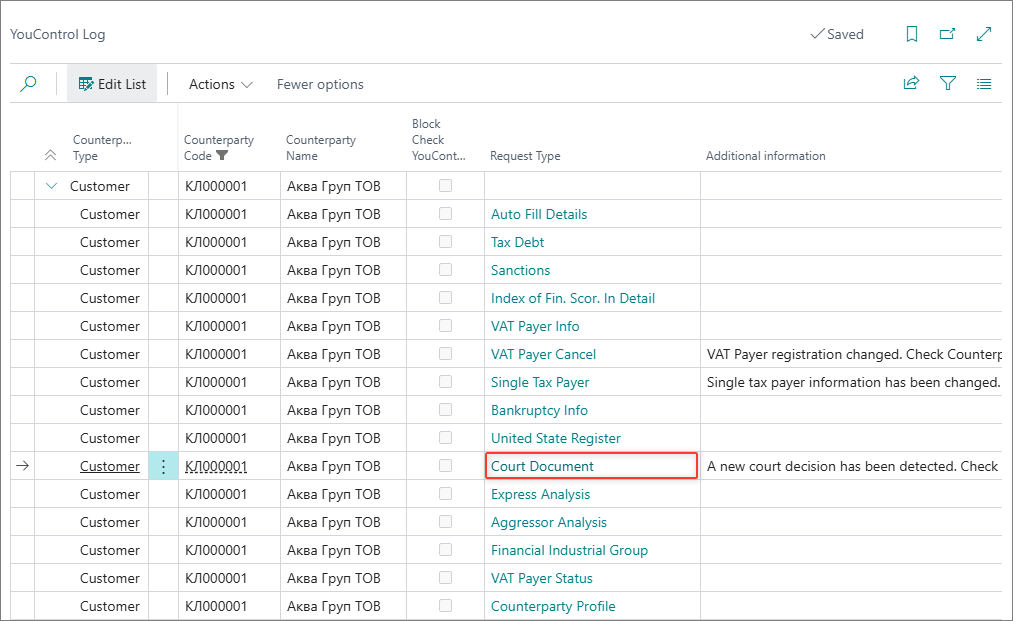
For example, by clicking on Court Document in the Request Type, the Court Documents Log page will open, which displays more detailed information on this request.
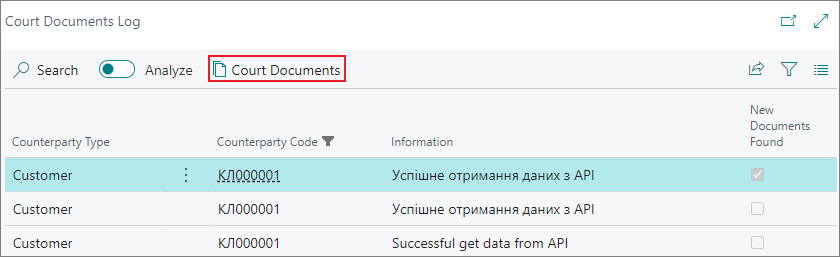
By clicking Court Documents, the toolbar will open a page that displays a list of court decisions. At the end of the table, click Web Address in the URL to Document to go to the YouControl online service and see the solution itself:

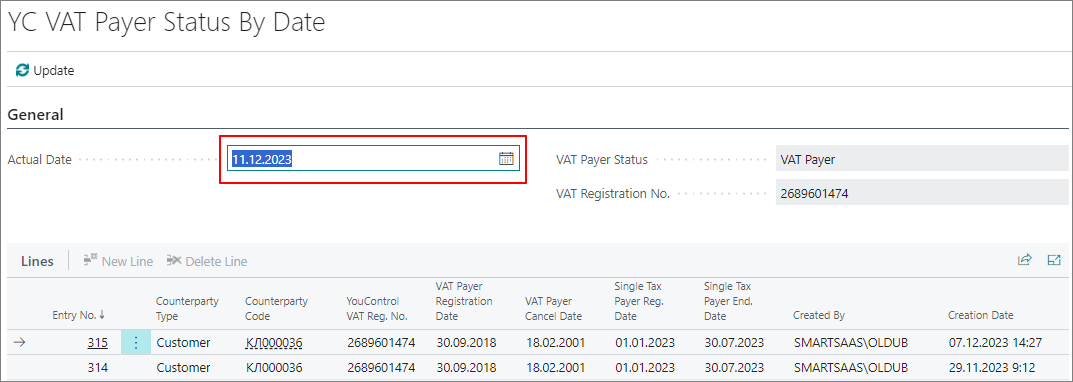
On the YouControl Log page, select VAT Payer Status in the Request Type column to open the YC VAT Payer Status By Date page. On this page, the system determines the VAT payer status from the results of the VAT Payer Info, VAT Payer Cancel, and Single Tax Payer requests.
For each request type, the system analyzes the latest result received. The result is included only when YouControl successfully returned a response or confirmed that no registration record exists for the counterparty. Error responses, requests that have not finished processing, and technical failures are not used to determine the payer status.
After a date is entered in the Actual Date field, the page displays the counterparty's VAT Payer Status and VAT Registration No. for that date: